| a. |
Shopping cart
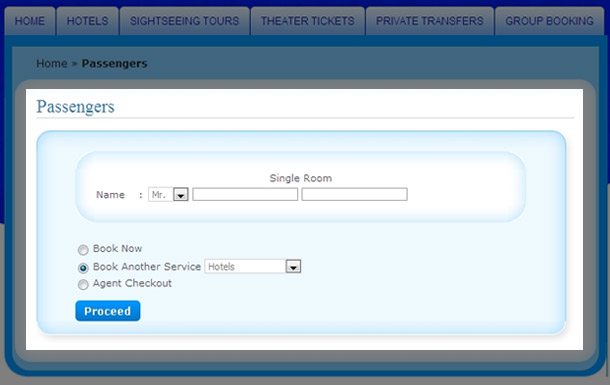
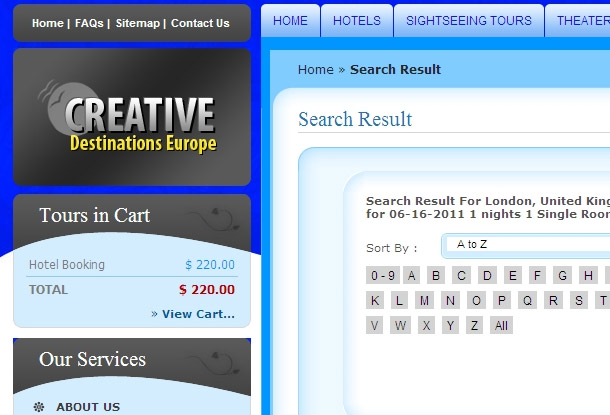
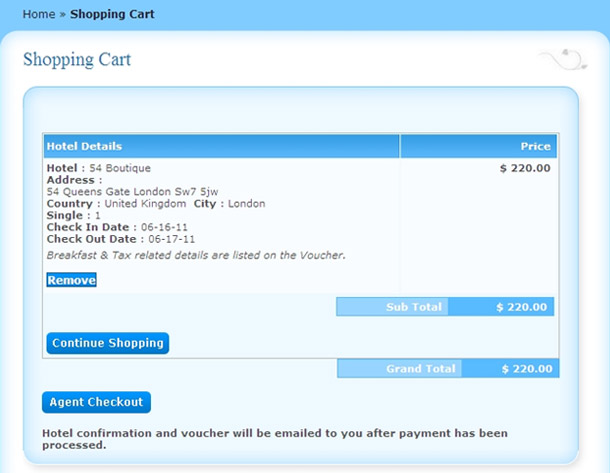
After entering passenger details the booked hotel is added to your shopping cart Click on view cart button to view your shopping cart window
|
Here you can review the various products you have added to your shopping cart and can do.
|
- Preview / edit the contents of the shopping cart
- Edit the quantity at the box displayed in the product to Increase/decrease the quantity of products and then click on “Update” button at bottom.
- To remove all product from your shopping cart if required then Click on the “Remove all” button at bottom
- If you have selected all products you want to buy then Click on “Agent CHECKOUT” to proceed for order processing and payment.
- If you want to book more hotels then click on “Continue Shopping”.
|
|
| b. |
Agent Login
|
| i. |
New Agent
|
| |
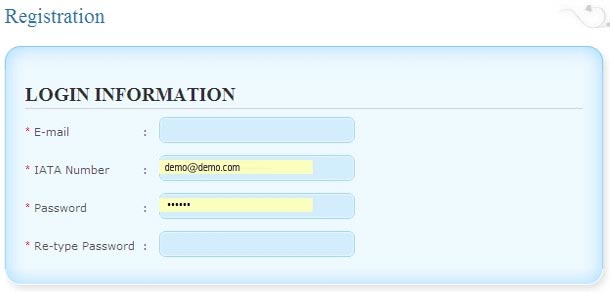
Click on "Continue" button which is in left side section "New agent"
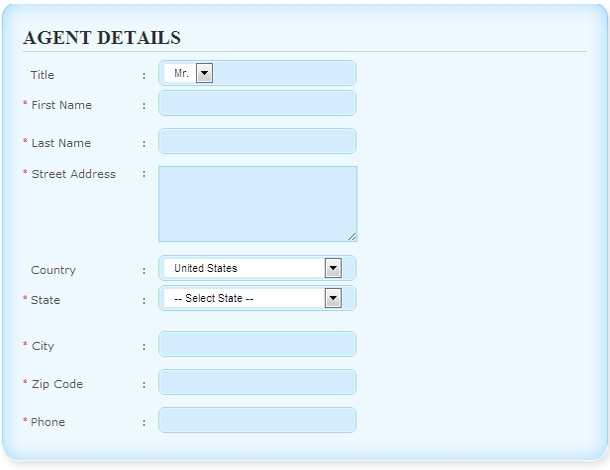
Registration
|
- Login Information
- Agent information
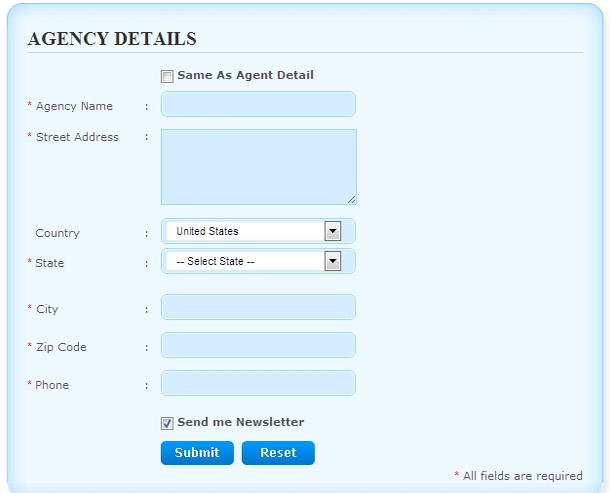
- Agency information
|
|
| ii |
Existing Agent
Enter your login details and click on “Login” button. If you have forget you password then enter you registered email address in Forgotten your password section and then click on “Send “ button . Your new password for accessing your order will be sent via e-mail.
|
|
|
| c. |
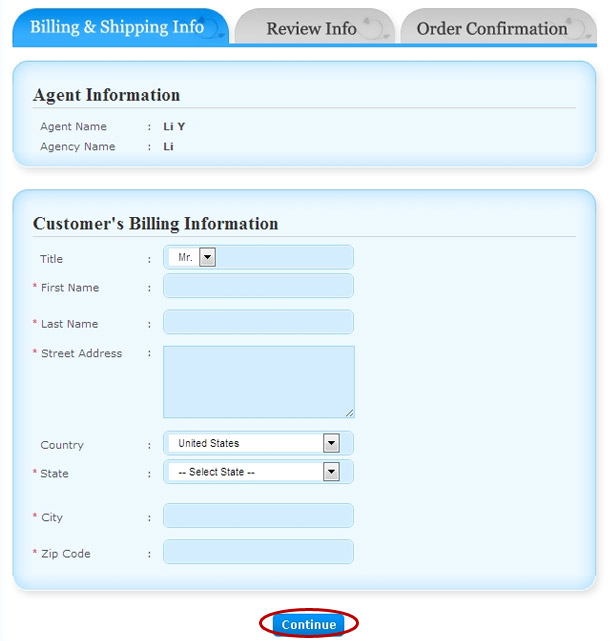
Billing info
Here agent has to enter the detail of the customer.
|
| d. |
Booking Review & Payment Process: |
| This screen is divided in following three section:
|
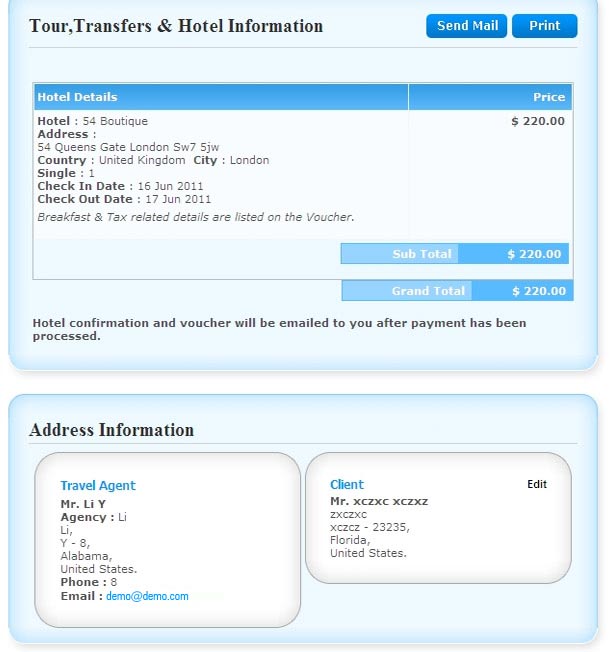
- Tours, Transfers & Hotel Information
In this page you can review your selected product information with total amount you have to pay.
- Address Information
You can check and change Client address information by clicking on “EDIT” button if required.
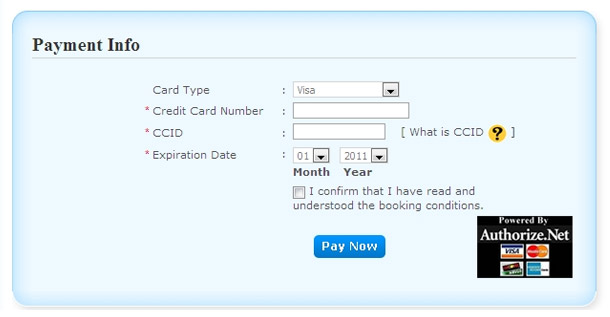
- Payment Process
Check the total payment details. After reviewing your information, enter your card details and click on “Pay Now” button to move ahead for payment process.
|
|